hover any control to see what it does - click SOUND, FIELD or CIRCUIT to change pagetap any control to see what it does
THE TUBEa true 16:9 CRT - what you see on it is what gets recordedtrydrop an image or a video onto it to swap the source
POWERthe TV switch - off bypasses drft, click-free and latency-matchedtrythe tube collapses to a line, then an afterglow dot, like a real set
SETTINGSopens the settings sheettryturn screen text off here before recording anything you mean to use as footage
RECrecords what is on the tube together with the audio that made it, as an MP4trypark the mouse off the panel first - the knob readouts are part of the picture
ASPECTcycles the frame: 16:9, vertical 9:16, or the 2.75:1 ultrawide striptryit changes what you see and what you export
PRESETSthe arrows step through the bank; clicking the name opens the menutryfactory patches set the six character knobs only
TAPE SPEEDruns the transport slower - lp drops two semitones, ep fivetrythe shift glides in, so throwing it sounds like a deck spinning down
FEEDreverses the flow - whatever is on the tube starts bending the audiotrysaturated colour drives burn; dark footage pours on haze and hiss
LOADloads an image, an animated GIF or a video onto the tubetryor drop the file straight onto the screen
SRCcycles the picture source: field, media, live, or the field blended over eithertryin the blend sources, the BLEND fader on the FIELD page sets the key
CHbrings up a VCR-style channel list of every camera your machine can seetryclick a channel to tune it; your choice is remembered
WAVEtoggles the oscilloscope trace over the picturetryoff is usually what you want once you are recording footage for its own sake
METER26 segments a channel, reading the peaks after the mastertryunlit segments stay visible, the way a real deck's dead LEDs do
INPUTtrims what goes into the machinetrypull it down when a hot source is driving the shaper further than you want
OUTPUTthe master trimtryG, beside the faders, holds it at the level the input arrived at
MIXdry against wet, with the dry copy delayed to match the wet pathtryhalfway is a genuine blend rather than a phase-cancelled mess
GAIN MATCHholds the output at the level the input arrived attryso bypassing compares the character and nothing else
DICErandomises the six character knobs within musical rangestryit lands somewhere usable rather than somewhere absurd
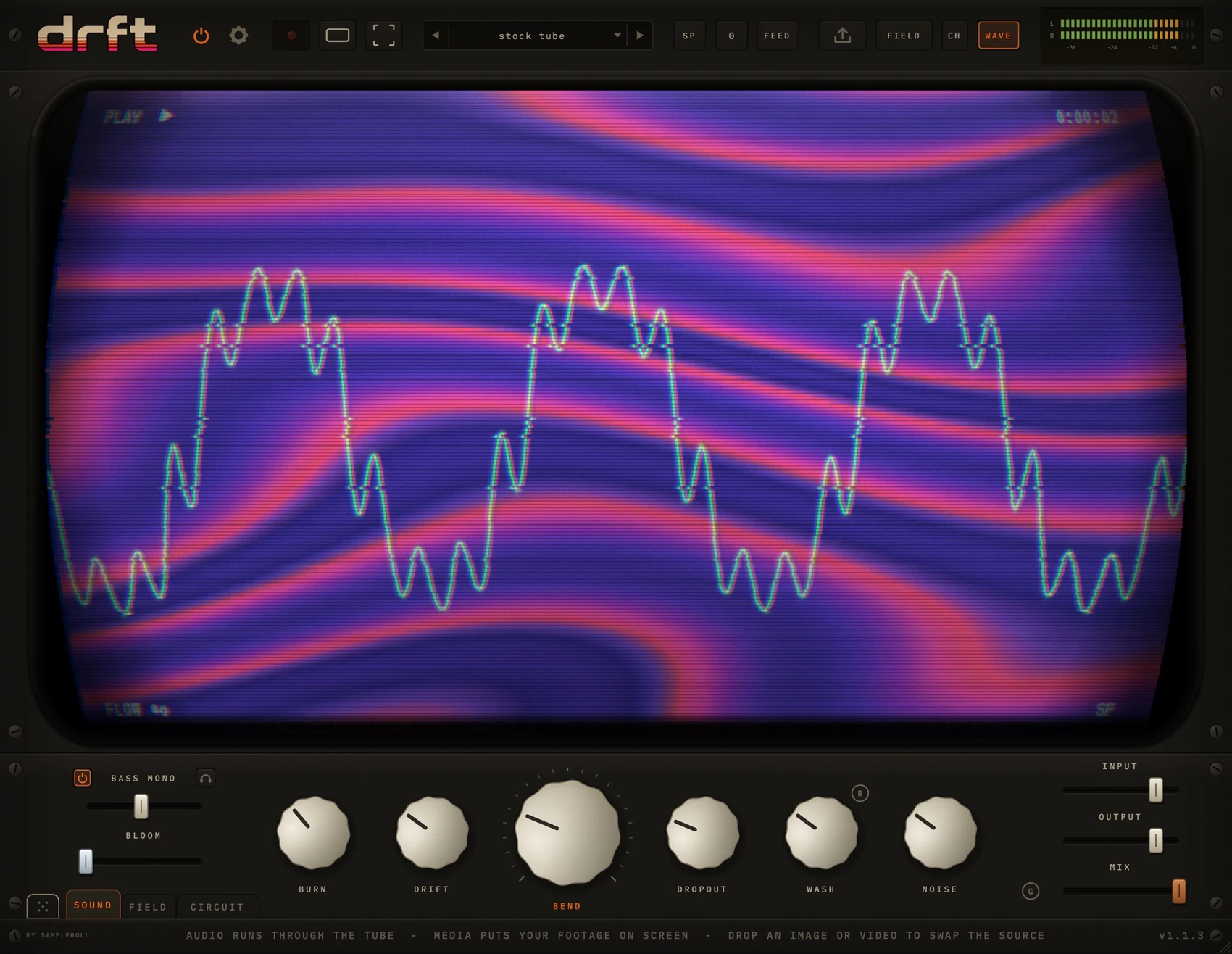
SOUNDthe machine - six knobs, bass mono, mix and out
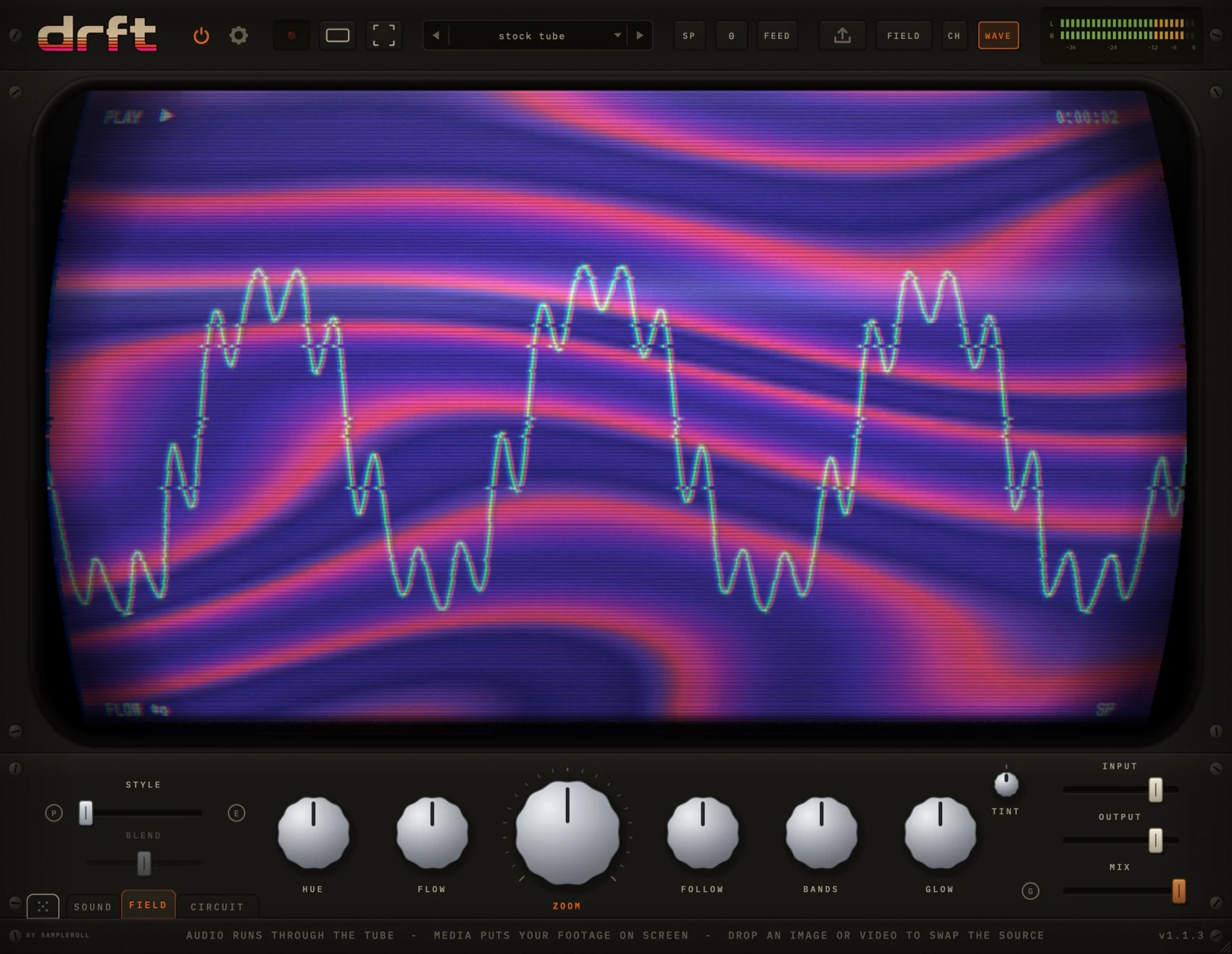
FIELDthe picture - style and six shaping knobs, across two pagesclickopen the field page
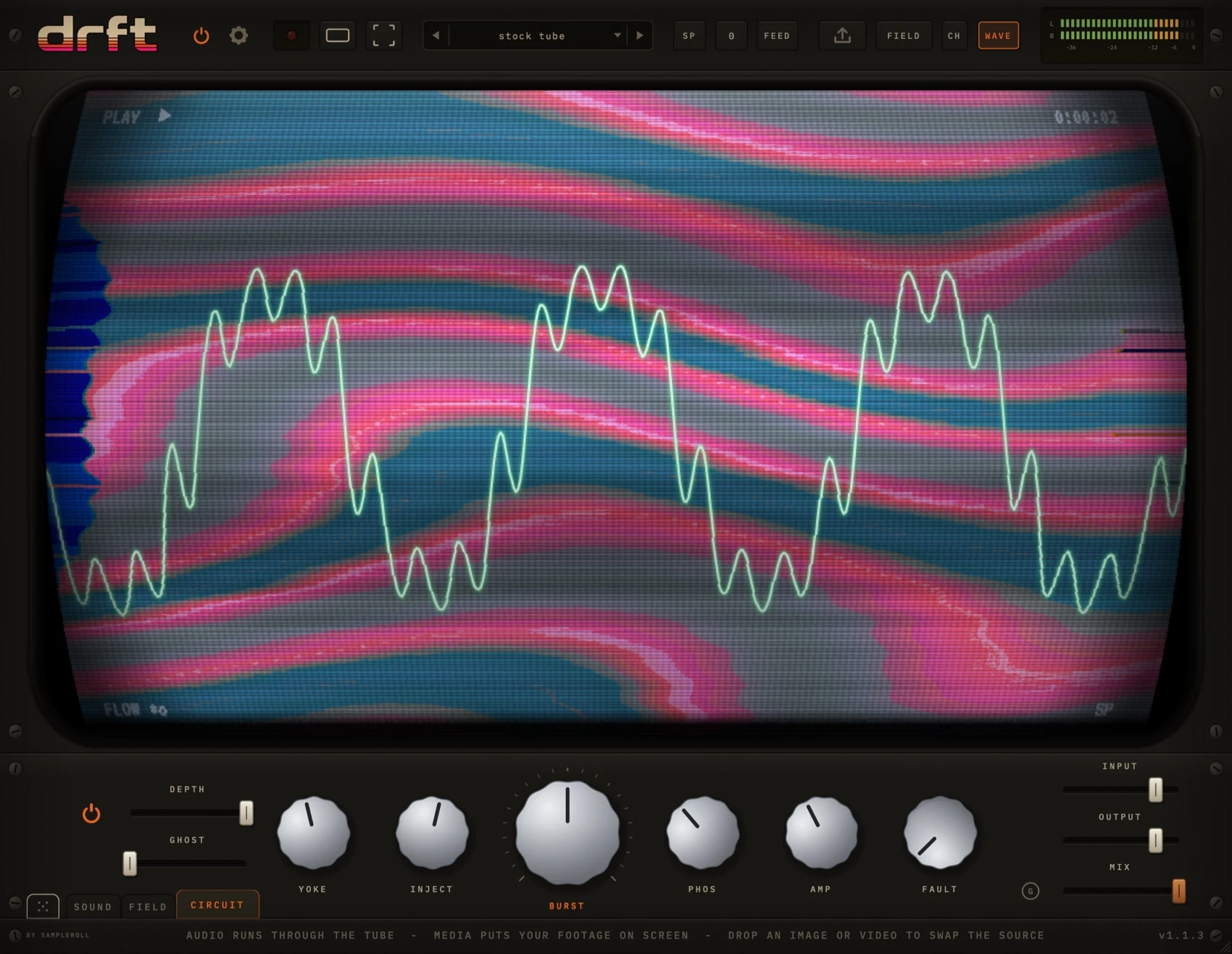
CIRCUITthe other two pages make a picture - this one breaks the set that is showing itclickopen the circuit page
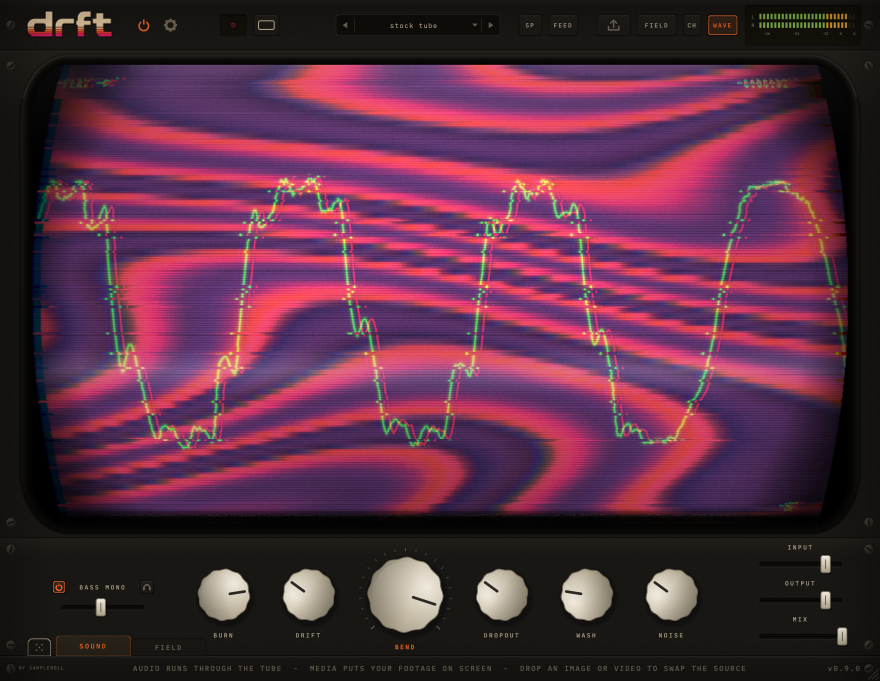
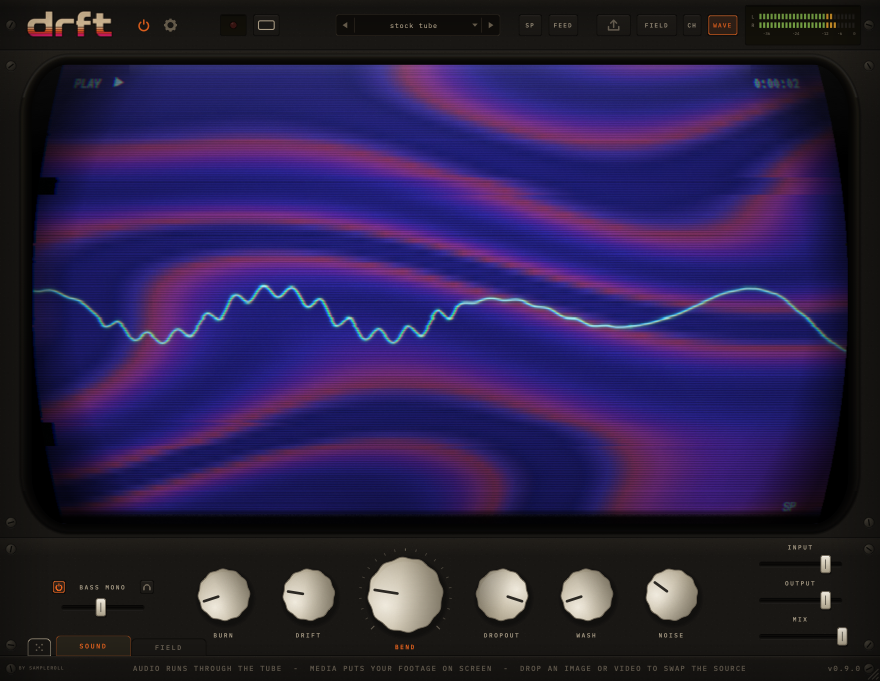
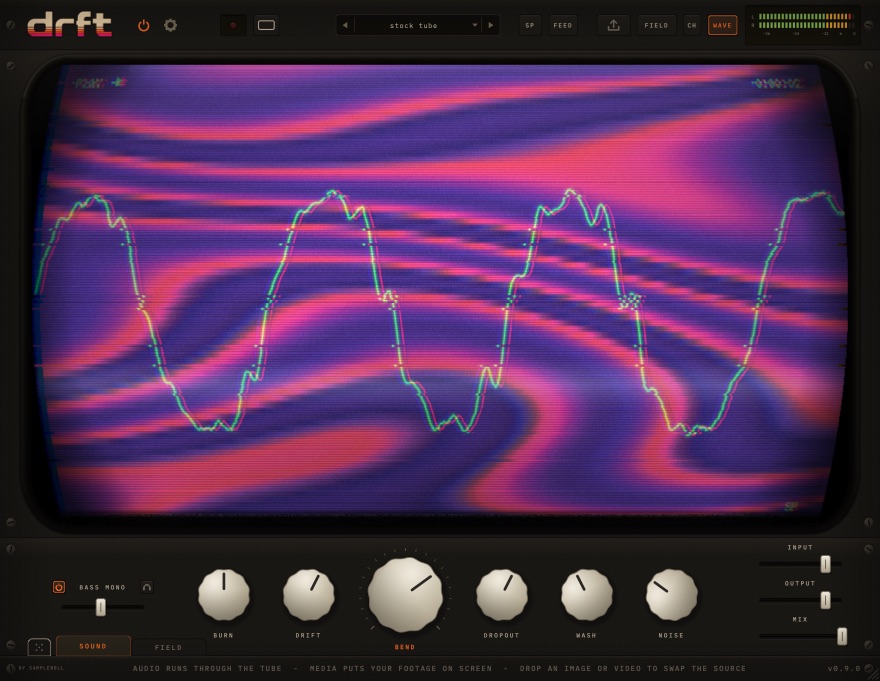
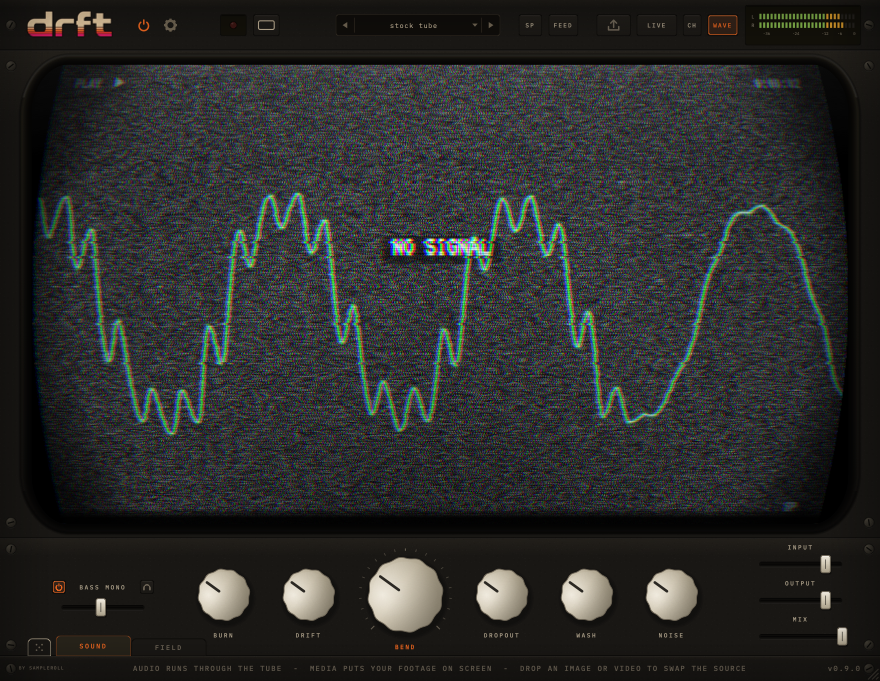
BASS MONOfolds the low end to mono below the crossover, so the widening never hollows it outtrythe headphone key solos what is being folded
BLOOMa wide, mono-safe ensemble with a driven air band, last in the wet chaintrythe picture blooms with it - each frame smears into the next
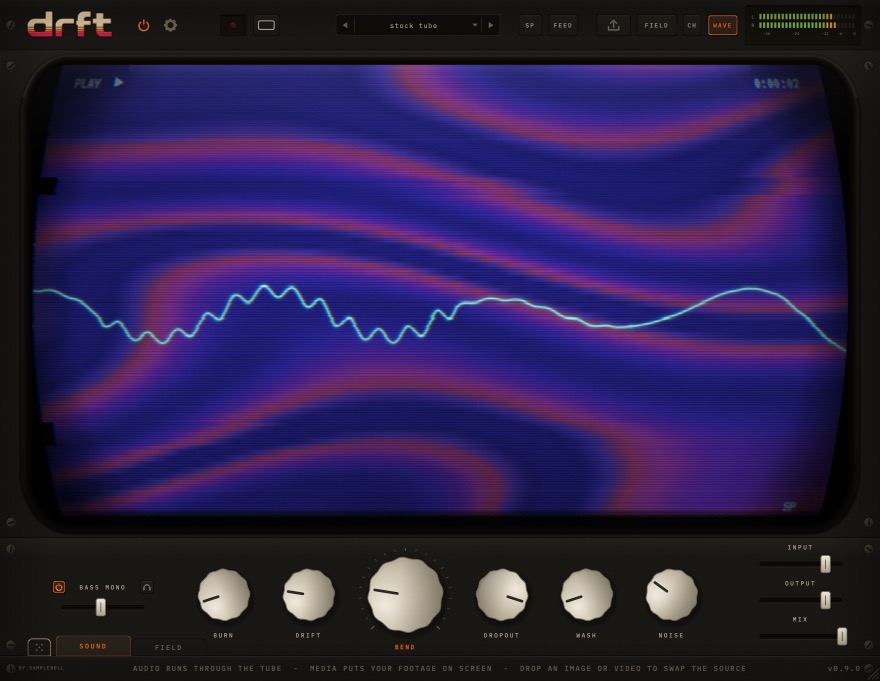
BURNdrive and heat - thickens, then compresses, then distortstrythe tube follows it, from icy blue at zero to molten orange-red
DRIFTwow and flutter - pitch instability from a slow wow to a seasick warbletrythe knob that makes something sound like tape rather than distortion
BENDthe macro - bit-starves the signal until it grinds, and tears the picture with ittryreach for it first: low is a crunch, past halfway the machine starts failing
DROPOUTtape failures - the signal ducks while a dull frozen slice smears underneathtrythe picture tears on the same events, at the same instant
WASHhaze and width - pushes the signal back and out, like a generation-loss copytrystatic speckle on the tube, and a lift in the overall haze
NOISEthe hiss bed - it breathes with the material, and goes silent when the track doestryaudio only: the one knob the picture does not follow
THE TUBEa true 16:9 CRT - what you see on it is what gets recordedtrydrop an image or a video onto it to swap the source
POWERthe TV switch - off bypasses drft, click-free and latency-matchedtrythe tube collapses to a line, then an afterglow dot, like a real set
SETTINGSopens the settings sheettryturn screen text off here before recording anything you mean to use as footage
RECrecords what is on the tube together with the audio that made it, as an MP4trypark the mouse off the panel first - the knob readouts are part of the picture
ASPECTcycles the frame: 16:9, vertical 9:16, or the 2.75:1 ultrawide striptryit changes what you see and what you export
PRESETSthe arrows step through the bank; clicking the name opens the menutryfactory patches set the six character knobs only
TAPE SPEEDruns the transport slower - lp drops two semitones, ep fivetrythe shift glides in, so throwing it sounds like a deck spinning down
FEEDreverses the flow - whatever is on the tube starts bending the audiotrysaturated colour drives burn; dark footage pours on haze and hiss
LOADloads an image, an animated GIF or a video onto the tubetryor drop the file straight onto the screen
SRCcycles the picture source: field, media, live, or the field blended over eithertryin the blend sources, the BLEND fader on the FIELD page sets the key
CHbrings up a VCR-style channel list of every camera your machine can seetryclick a channel to tune it; your choice is remembered
WAVEtoggles the oscilloscope trace over the picturetryoff is usually what you want once you are recording footage for its own sake
METER26 segments a channel, reading the peaks after the mastertryunlit segments stay visible, the way a real deck's dead LEDs do
INPUTtrims what goes into the machinetrypull it down when a hot source is driving the shaper further than you want
OUTPUTthe master trimtryG, beside the faders, holds it at the level the input arrived at
MIXdry against wet, with the dry copy delayed to match the wet pathtryhalfway is a genuine blend rather than a phase-cancelled mess
GAIN MATCHholds the output at the level the input arrived attryso bypassing compares the character and nothing else
DICErandomises the six character knobs within musical rangestryit lands somewhere usable rather than somewhere absurd
SOUNDthe machine - six knobs, bass mono, mix and outclickopen the sound page
FIELDthe picture - style and six shaping knobs, across two pages
CIRCUITthe other two pages make a picture - this one breaks the set that is showing itclickopen the circuit page
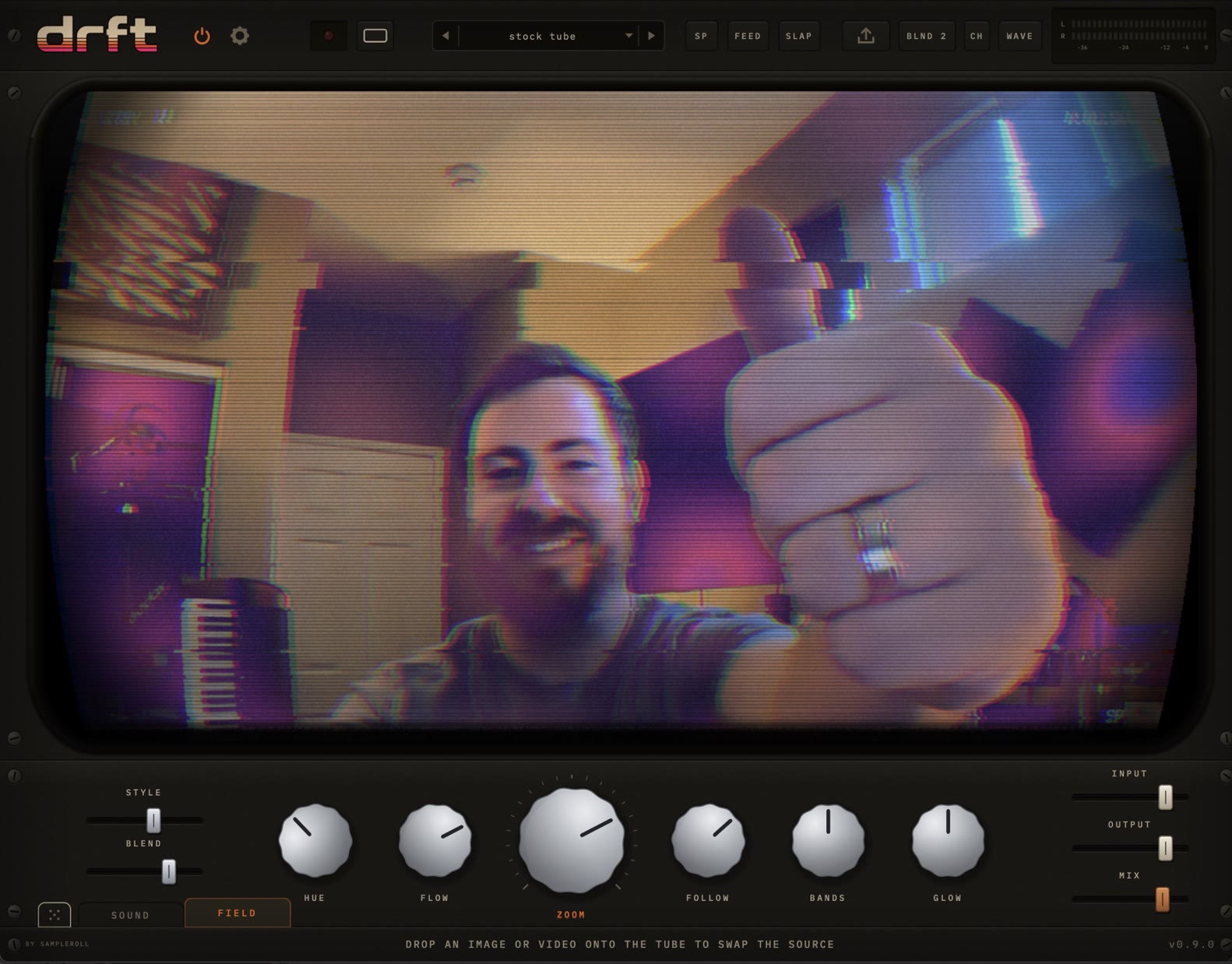
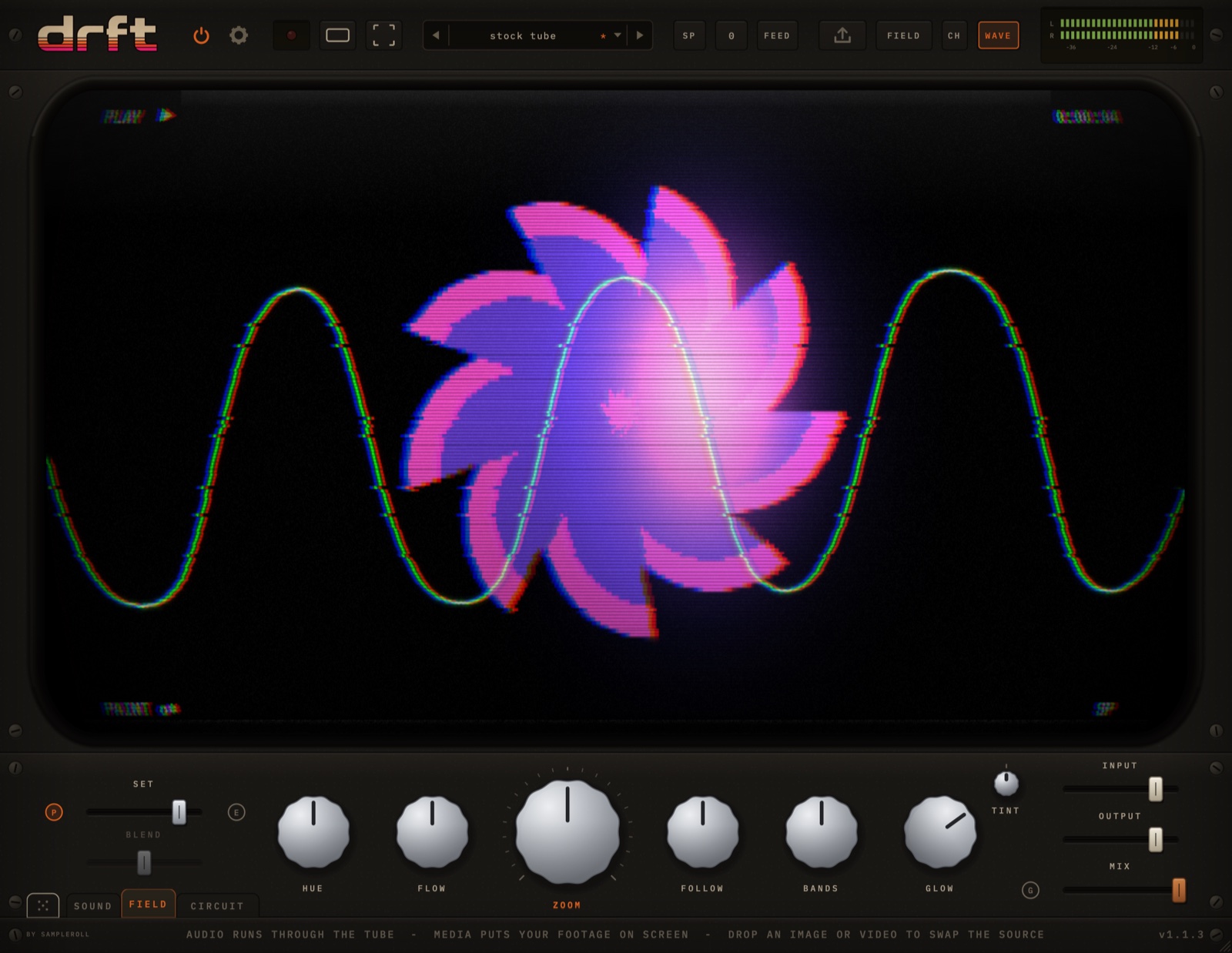
STYLEpicks the generator - 23 of them, genuinely different pieces of mathstryflow, plasma, tunnel, kaleido, aurora, caustic, cells, mandala and more
BLENDthe luma key in the blend sources - how far the field burns through your footagetryit works from the shadows up; in the plain sources it is dimmed, as it is here
HUErotates the palettetryshapes recolour independently of one another - TINT turns them all as one
FLOWhow fast the field movestrytape speed drags it along - at ep the picture visibly runs slower
ZOOMscale - from wide and detailed to close and abstract
FOLLOWhow hard the picture rides the musictrybass breathes the zoom, mids swell the warp, and the palette leans with the material
BANDSdensity of the field's banding
GLOWphosphor bloom on the field itself
TINTrotates every colour on the tube together, keeping their relationshipstrythe only bipolar knob on the page, so it is centre-detented at 12 o'clock
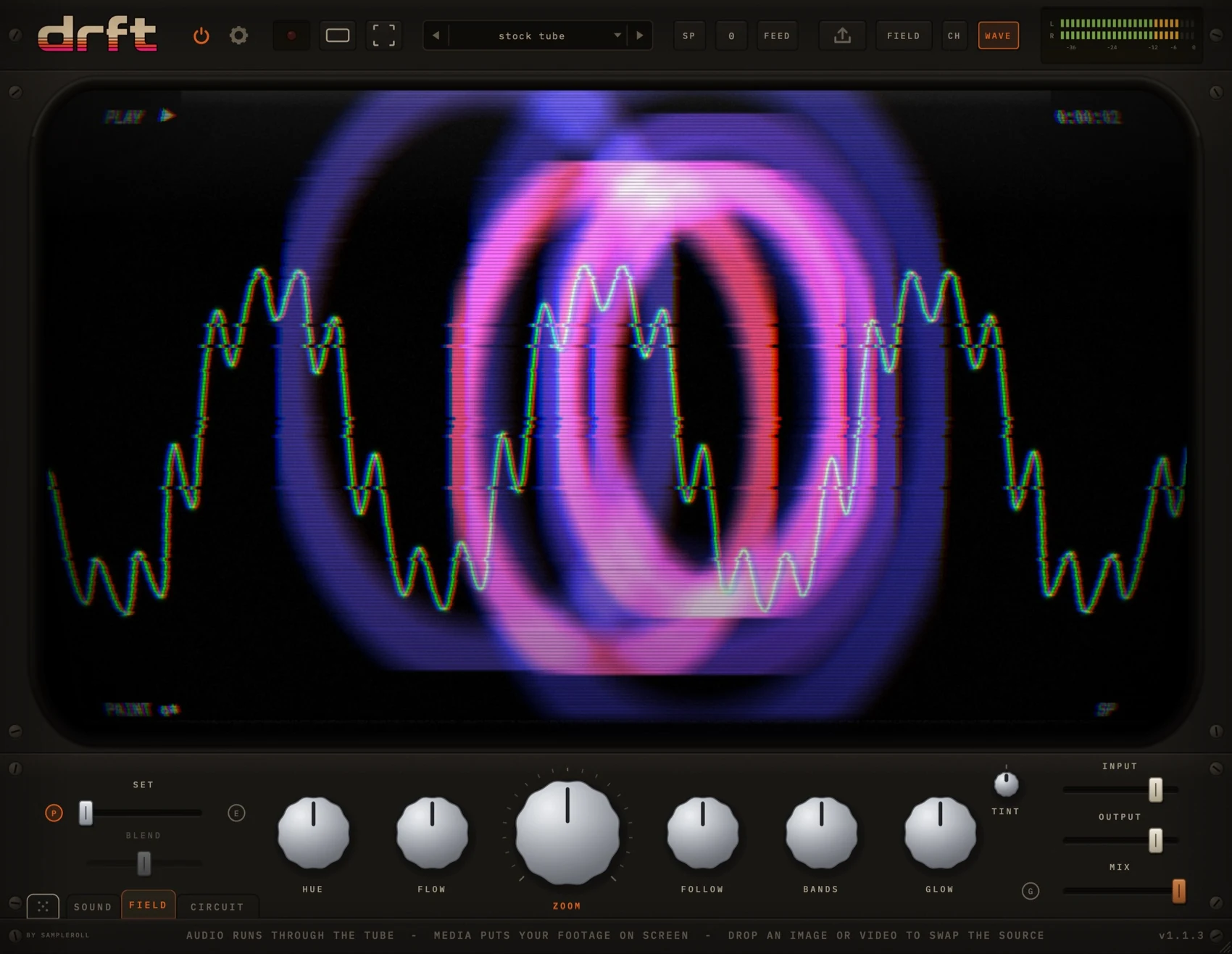
PAINTflips the FIELD tab over - from a texture you tune to a canvas you playclickopen the paint page
ENDLESS ZOOMthe field falls inward forever, with no seam and no restart
THE TUBEa true 16:9 CRT - what you see on it is what gets recordedtrydrop an image or a video onto it to swap the source
POWERthe TV switch - off bypasses drft, click-free and latency-matchedtrythe tube collapses to a line, then an afterglow dot, like a real set
SETTINGSopens the settings sheettryturn screen text off here before recording anything you mean to use as footage
RECrecords what is on the tube together with the audio that made it, as an MP4trypark the mouse off the panel first - the knob readouts are part of the picture
ASPECTcycles the frame: 16:9, vertical 9:16, or the 2.75:1 ultrawide striptryit changes what you see and what you export
PRESETSthe arrows step through the bank; clicking the name opens the menutryfactory patches set the six character knobs only
TAPE SPEEDruns the transport slower - lp drops two semitones, ep fivetrythe shift glides in, so throwing it sounds like a deck spinning down
FEEDreverses the flow - whatever is on the tube starts bending the audiotrysaturated colour drives burn; dark footage pours on haze and hiss
LOADloads an image, an animated GIF or a video onto the tubetryor drop the file straight onto the screen
SRCcycles the picture source: field, media, live, or the field blended over eithertryin the blend sources, the BLEND fader on the FIELD page sets the key
CHbrings up a VCR-style channel list of every camera your machine can seetryclick a channel to tune it; your choice is remembered
WAVEtoggles the oscilloscope trace over the picturetryoff is usually what you want once you are recording footage for its own sake
METER26 segments a channel, reading the peaks after the mastertryunlit segments stay visible, the way a real deck's dead LEDs do
INPUTtrims what goes into the machinetrypull it down when a hot source is driving the shaper further than you want
OUTPUTthe master trimtryG, beside the faders, holds it at the level the input arrived at
MIXdry against wet, with the dry copy delayed to match the wet pathtryhalfway is a genuine blend rather than a phase-cancelled mess
GAIN MATCHholds the output at the level the input arrived attryso bypassing compares the character and nothing else
DICErandomises the six character knobs within musical rangestryit lands somewhere usable rather than somewhere absurd
SOUNDthe machine - six knobs, bass mono, mix and outclickopen the sound page
FIELDthe picture - style and six shaping knobs, across two pagesclickopen the field page
CIRCUITthe other two pages make a picture - this one breaks the set that is showing itclickopen the circuit page
SETchooses what an onset stamps - rings, blobs, bars, glyphs, marble or silktrymarble drops ink that pushes all the existing paint outward into nested contours
BLENDthe luma key in the blend sources - how far the field burns through your footagetryit works from the shadows up; in the plain sources it is dimmed, as it is here
HUErotates the palettetryshapes recolour independently of one another - TINT turns them all as one
FLOWthe rate of the whole feedback transform - how fast history turns and drifts away
ZOOMhow far the buffer scales each frame - what makes marks travel inward or outward
FOLLOWtrigger sensitivity - how much of the track counts as an onsettrypaint responds to transients, not to level: a dry drum loop draws constantly
BANDSkaleidoscope symmetry order - the picture folds into that many repeatstryat the bottom of its travel symmetry is off and the canvas is free
GLOWphosphor bloom on the field itself
TINTrotates every colour on the tube together, keeping their relationshipstrythe only bipolar knob on the page, so it is centre-detented at 12 o'clock
PAINTlit means paint - what you played a few seconds ago is still up thereclickback to the flow generators
FOLDon this page the E key is a kaleidoscope fold rather than the endless zoom
THE TUBEa true 16:9 CRT - what you see on it is what gets recordedtrydrop an image or a video onto it to swap the source
POWERthe TV switch - off bypasses drft, click-free and latency-matchedtrythe tube collapses to a line, then an afterglow dot, like a real set
SETTINGSopens the settings sheettryturn screen text off here before recording anything you mean to use as footage
RECrecords what is on the tube together with the audio that made it, as an MP4trypark the mouse off the panel first - the knob readouts are part of the picture
ASPECTcycles the frame: 16:9, vertical 9:16, or the 2.75:1 ultrawide striptryit changes what you see and what you export
PRESETSthe arrows step through the bank; clicking the name opens the menutryfactory patches set the six character knobs only
TAPE SPEEDruns the transport slower - lp drops two semitones, ep fivetrythe shift glides in, so throwing it sounds like a deck spinning down
FEEDreverses the flow - whatever is on the tube starts bending the audiotrysaturated colour drives burn; dark footage pours on haze and hiss
LOADloads an image, an animated GIF or a video onto the tubetryor drop the file straight onto the screen
SRCcycles the picture source: field, media, live, or the field blended over eithertryin the blend sources, the BLEND fader on the FIELD page sets the key
CHbrings up a VCR-style channel list of every camera your machine can seetryclick a channel to tune it; your choice is remembered
WAVEtoggles the oscilloscope trace over the picturetryoff is usually what you want once you are recording footage for its own sake
METER26 segments a channel, reading the peaks after the mastertryunlit segments stay visible, the way a real deck's dead LEDs do
INPUTtrims what goes into the machinetrypull it down when a hot source is driving the shaper further than you want
OUTPUTthe master trimtryG, beside the faders, holds it at the level the input arrived at
MIXdry against wet, with the dry copy delayed to match the wet pathtryhalfway is a genuine blend rather than a phase-cancelled mess
GAIN MATCHholds the output at the level the input arrived attryso bypassing compares the character and nothing else
DICErandomises the six character knobs within musical rangestryit lands somewhere usable rather than somewhere absurd
SOUNDthe machine - six knobs, bass mono, mix and outclickopen the sound page
FIELDthe picture - style and six shaping knobs, across two pagesclickopen the field page
CIRCUITthe other two pages make a picture - this one breaks the set that is showing it
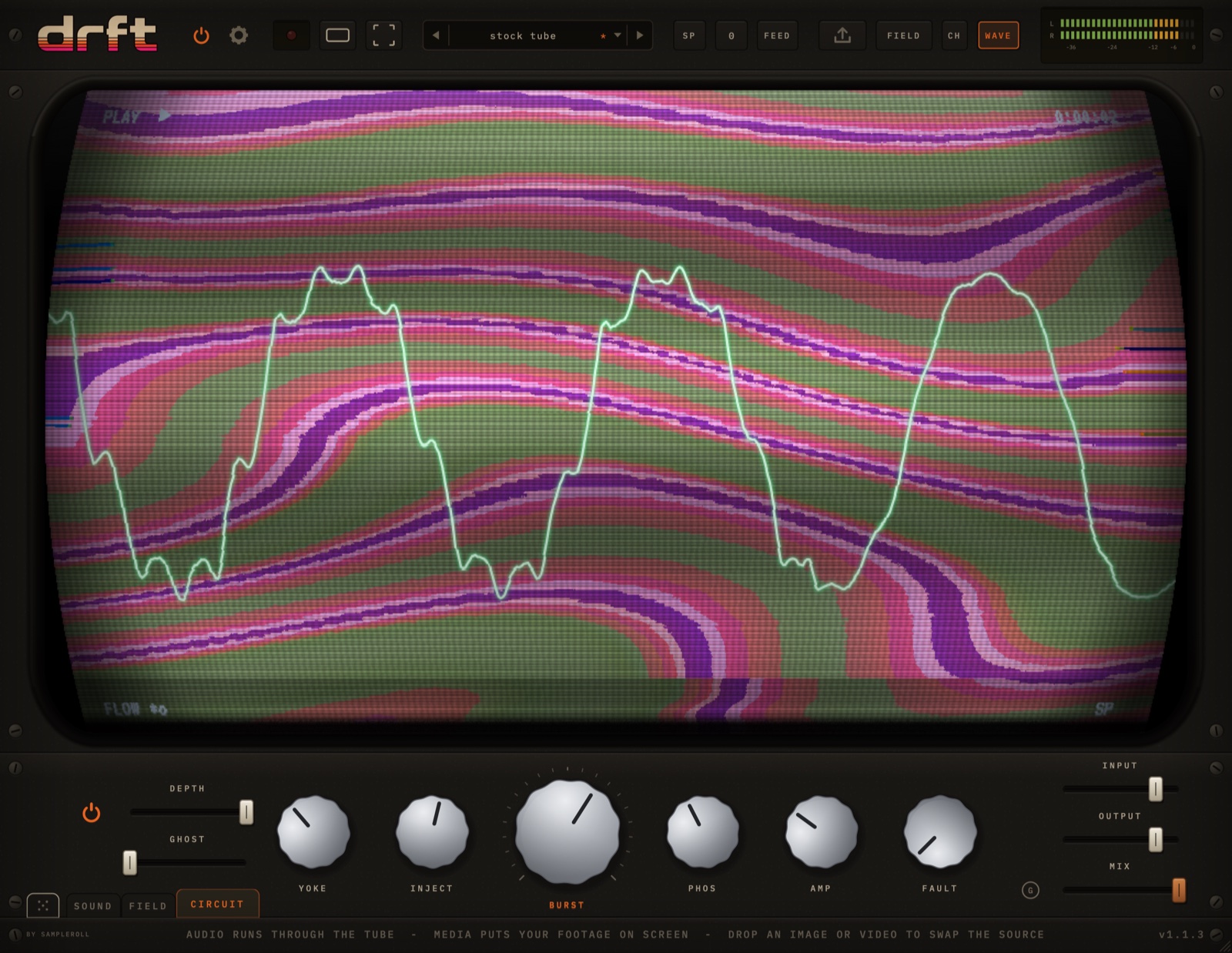
POWERbypasses every effect on this page while keeping all your settingstrysee what the bank is doing without touching a knob
DEPTHa master amount over all six knobs at oncetryride it to bring the whole bank in and out on one automation lane
GHOSTmultipath - a weaker copy of the picture, offset to the righttryit sits outside DEPTH: pull DEPTH to zero and the ghost is still there
YOKEa failing deflection coil - the raster pins and bows, breathing as it goestryat the top of its travel it collapses toward a single bright line
INJECTaudio getting into the video line - rows shift and brighten with the waveformtrybass draws slow S-curves down the picture, hats comb it into ripples
BURSTthe colour reference dying - the set reads brightness as hue insteadtrylow settings cast the picture; high ones wrap it through the wheel several times
PHOSresolves the picture onto the tube's phosphor triadstrymade out of the picture's own light rather than laid over the top
AMPvideo amplifier overdrive - brights bleed into what is next to them, whites crush together
FAULTdiscrete failures rather than a continuous effect - the knob sets how often one happenstrythe frame freezes, or inverts, or loses colour